Written by
Jake Hasler
March 12, 2026 • 3 min read

Written by
Jake Hasler
I've been wanting to build this for a long time. Today I'm releasing a free shop layout planner as part of the Maker Calc website — a drag-and-drop tool that lets you design your workshop before moving any machines.
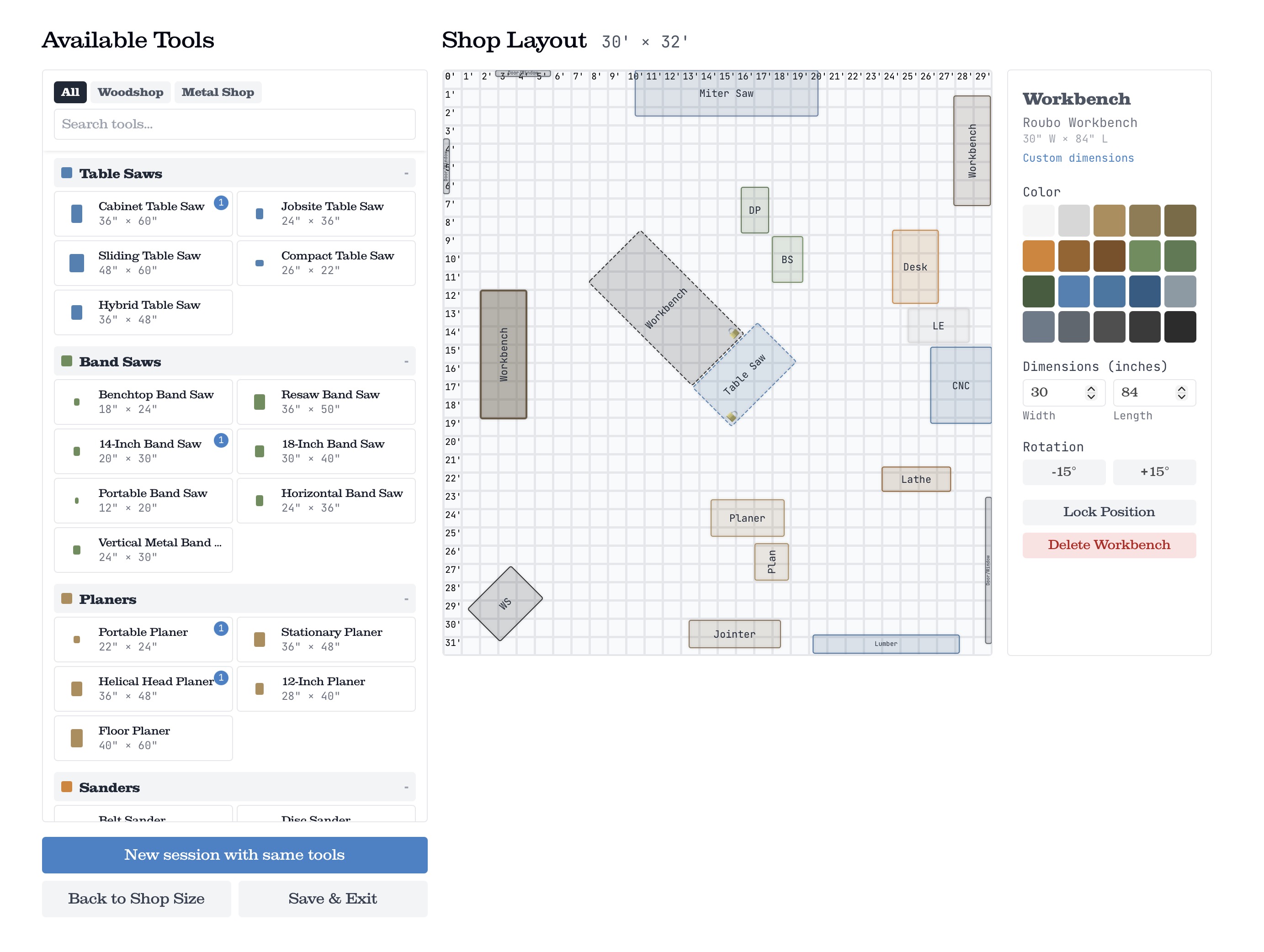
Making the most of any space is a challenge. Moving items around the shop is exhausting, frustrating, and completely avoidable if you plan the layout on screen first.
There used to be a popular workshop planner from Grizzly Industrial, but it was built on Adobe Flash — and when Flash was discontinued in 2020, that tool went with it. Since then, there hasn't been a great free option specifically designed for workshop and garage shop planning. You shouldn't need to download sketchup or print out a pdf just to lay out some objects on the shop floor.
The shop layout planner is a browser-based tool with no sign-up or download required. Here's what it gives you:
Everything is saved locally in your browser. Your data stays on your machine.
I primarily do woodwork, but these same principles can apply to any shop. Here are a few things I've learned from planning (and re-planning) my own shop:
Start by tracing the path a workpiece takes from raw stock to finished product. Rough cutting → milling (jointer, planer) → ripping to final width (table saw) → assembly → finish. Arrange your machines so the workpiece flows naturally through that sequence without doubling back across the shop.
This is probably the single most common mistake in shop layout. A table saw ripping an 8-foot board needs 8 feet of clearance on both sides. Same for the jointer and planer. Use the planner to make sure those clearance zones don't overlap with other machines or walls.
Shorter, straighter duct runs mean better suction. Place your dust collector where it minimizes total run length to your major machines. If you're working in a garage, near the door is convenient for emptying bags and cleaning filters.
If your shop is above grade, place heavy machines like table saws and planers near exterior walls or over support beams where the floor is strongest. This is especially important in a garage workshop with a concrete slab — uneven settling can affect machine calibration over time.
I'm working on a community feature where you'll be able to share your shop layout publicly and browse layouts that others have shared. Think of it as a gallery of real workshops — you can see how other people arranged their space, what tools they're working with, and get ideas for your own setup. Whether you're planning a new build or just curious how someone else fit a table saw, a planer, and a workbench into a single-car garage, it should be a great resource for inspiration. More details on that soon.
Head over to the shop layout planner and start a session. It takes about 30 seconds to set your dimensions and start dropping tools onto the canvas.
If you have ideas for tools that should be added to the library, feedback on the interface, or just want to share your layout — reach out on Instagram @haslercraft. I'd love to see what you're working with.

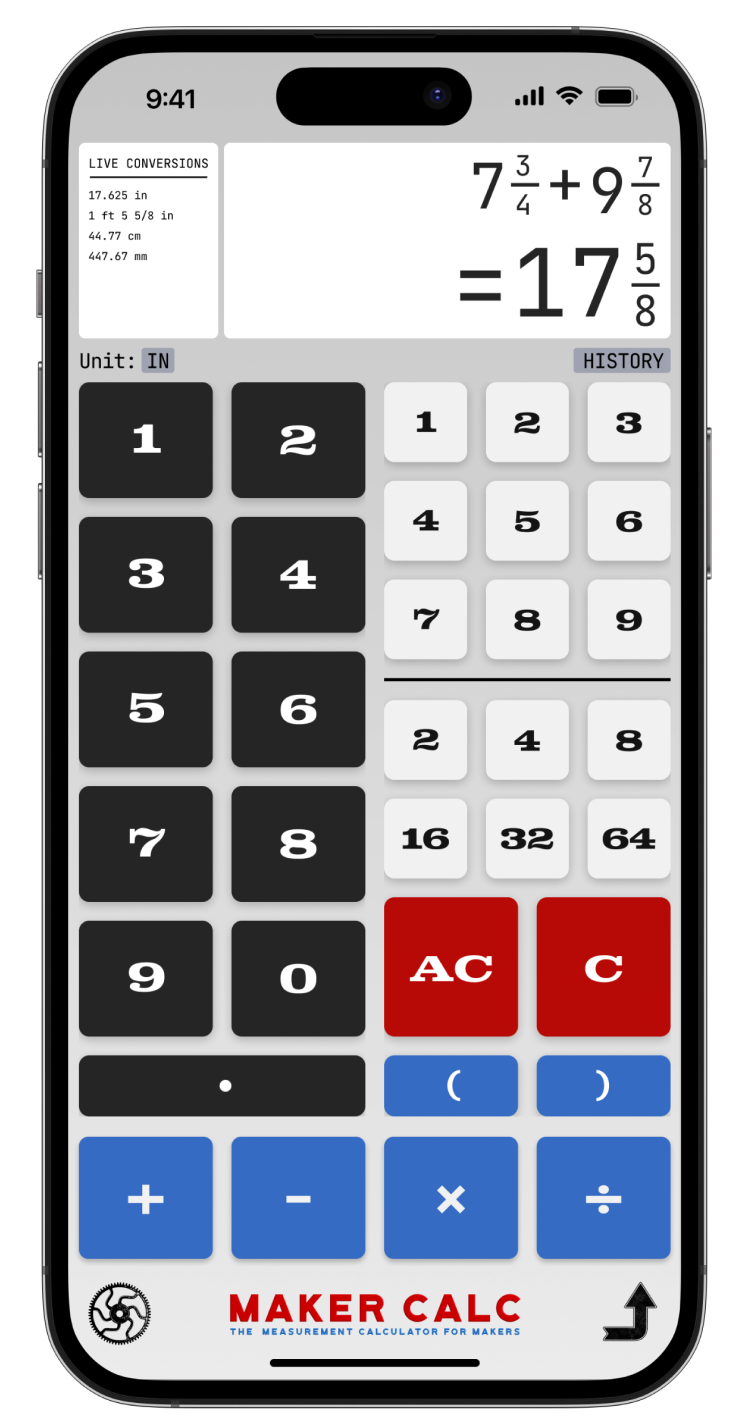
For woodworkers, metal fabricators, leathercrafters, and everyone that uses a tape measure.