Free Shop Layout Planner
By Maker Calc
Free Workshop Layout Tool
Planning a future shop or reimagining the one you've already got? This free online workshop layout tool lets you design the perfect garage workshop, maker studio, or dedicated shop space with drag-and-drop — arranging every tool, door, and workbench until the layout feels just right. Built for woodworkers, metalworkers, and makers of all kinds. No account or download required.
How It Works
- Set your shop dimensions — enter your garage, basement, or outbuilding footprint in feet
- Add your tools — choose from table saws, band saws, planers, jointers, drill presses, lathes, welders, and more
- Drag and arrange — place tools on the canvas, rotate them, group them, and lock them in position
- Add doors and windows — wall-bound items snap to the nearest wall automatically
Features
- Pre-loaded tool library with accurate real-world dimensions
- Support for woodworking, metalworking, and general shop types
- Custom tools with adjustable sizes and colors
- Tool grouping, locking, and rotation controls
- Multiple sessions — compare different layout configurations side by side
- All data saved locally in your browser, no account required
How to Plan Your Shop Layout
A well-planned workshop layout improves safety, workflow efficiency, and material handling. Think about the path your workpieces take from raw material to finished product — your goal is to minimize backtracking between machines. A typical woodworking workflow moves from the miter saw or panel saw (rough cutting) to the jointer and planer (milling), then to the table saw (ripping to final width), and finally to assembly and finishing areas. Metalworking shops follow a similar logic: cutting, shaping, welding, and finishing.
Infeed and outfeed clearance is one of the most overlooked aspects of shop layout planning. A table saw ripping an 8-foot board needs at least 8 feet of clear space on both the infeed and outfeed sides. The same applies to jointers and planers. Use this garage workshop planner to visualize those clearance zones before committing to a layout and discovering the hard way that your planer is too close to the wall.
Dust collection works best when it's centralized. Place your dust collector or shop vac in a location that minimizes the total run length to your major machines. Shorter, straighter duct runs mean better suction. If you're working in a garage workshop, consider placing the collector near the garage door for easier filter cleaning and chip disposal.
Heavy machines belong on solid flooring and ideally against exterior walls where the floor joists are best supported. Place your workbench near a window for natural light, and keep a clear path between the entry and your most-used machines. Whether your dream shop is a 10 × 12 single-car garage or a 40 × 60 professional space, this free shop layout software scales to fit.
Woodworking
Table saws, band saws, planers, jointers, sanders, lathes, drill presses, miter saws, and workbenches.
Metalworking
Welders, grinders, metal lathes, milling machines, band saws, and fabrication tables.
General Shop
Doors, windows, storage solutions, dust collection, and custom items of any size.
Frequently Asked Questions
Is this shop layout planner free?
Yes, completely free. There is no account, sign-up, or payment required. Use it as much as you want.
Do I need to create an account?
No. All of your layout data is saved locally in your browser. No account is needed.
What shop sizes does it support?
You can set shop dimensions from as small as 4 × 4 feet up to 60 × 60 feet, covering everything from a hobby corner to a full professional workshop.
Does it work on mobile?
The planner is best experienced on a desktop or laptop computer. The drag-and-drop canvas requires a larger screen for accurate tool placement.
What tools are included?
The library includes table saws, band saws, planers, jointers, drill presses, lathes, miter saws, sanders, welders, grinders, metal lathes, milling machines, workbenches, doors, windows, and more. You can also create custom tools with any name and dimensions.
Can I compare different layouts?
Yes. You can create multiple sessions and duplicate an existing session to try variations without losing your original arrangement.
What happened to the Grizzly shop planner?
The Grizzly workshop planner relied on Adobe Flash, which was discontinued in 2020. It is no longer functional. This tool is a modern, free alternative that runs in any browser.
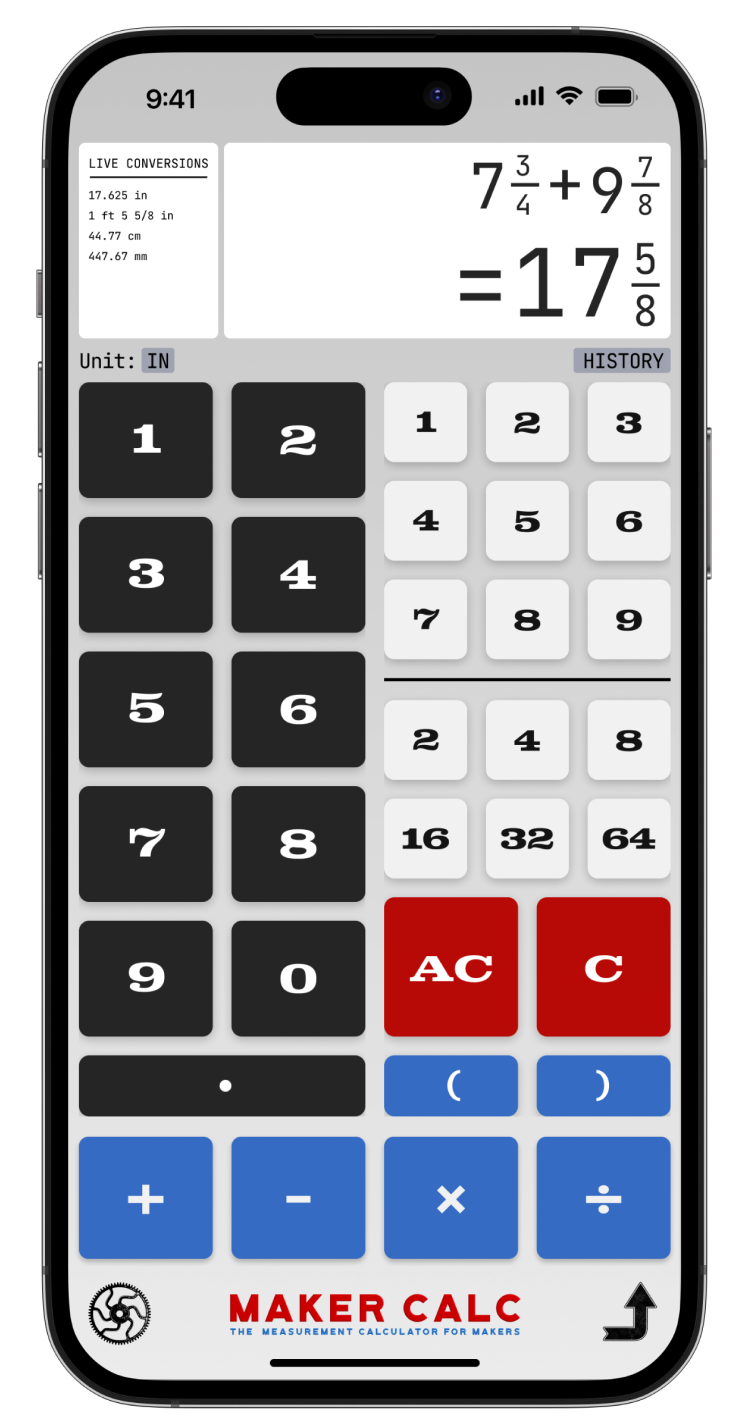
The Best Tape Measure Calculator for Measurement Math
For woodworkers, metal fabricators, leathercrafters, and everyone that uses a tape measure.